
Confidence and Reflection
Two of Naiku’s most useful features happen around the test itself: students say how sure they are of each answer, and afterwards they reflect on what they got right and wrong. Both build the habit of thinking about their own learning, and both give you information a score alone can’t.
Confidence, during the test
With Ask for Confidence on (a test option), students rate each answer right after they give it:
- Guessing
- Kind of sure
- Very sure
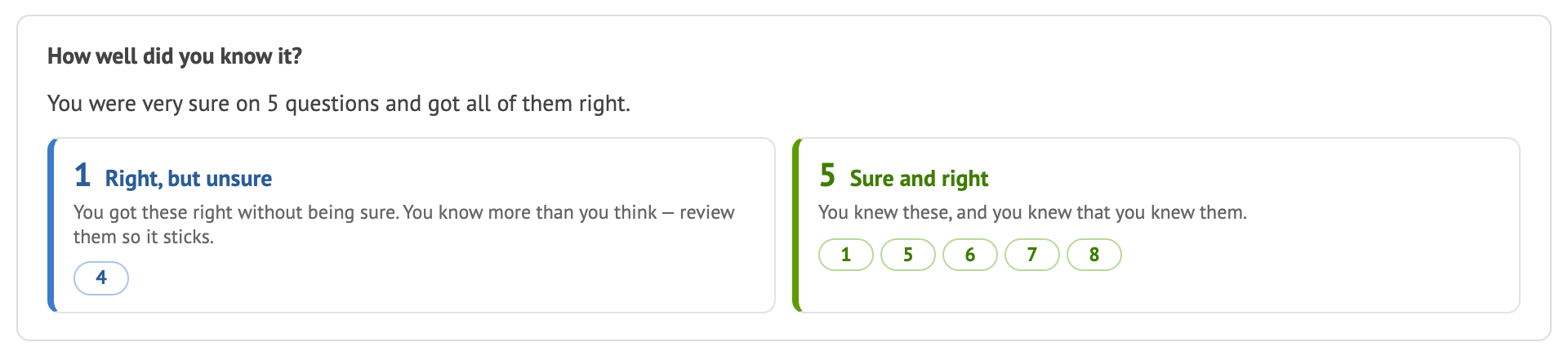
The ratings show up in your reports. Class Results and Item Analysis compare how sure vs. how right students were:
- Sure but wrong: a misconception worth addressing, often the most valuable thing to reteach.
- Unsure but right: knowledge that isn’t solid yet, which practice can firm up.
Encourage students to rate honestly. It isn’t graded.
Reflection, after the test
When students see their results, they click Reflect on this test:
- First, they reflect on the test as a whole: what went well, what didn’t, and what they’ll do differently next time.
- Then they go through the questions, especially the ones they missed. For each, they see the question, their answer, their confidence and any rationale you wrote, and they pick why they got it right or wrong. They can add A Comment for Your Teacher.
How much students see depends on the test’s Student Access setting. With Remediation, for example, they reflect without seeing the correct answers.
In your reports
Students’ reflections and confidence appear in Class Results (click a student) and in Item Analysis under Student reflection & confidence. Ask students to reflect right after the test, while it’s fresh. A few minutes at the end of class works well.