
Student Performance Reports
On this page
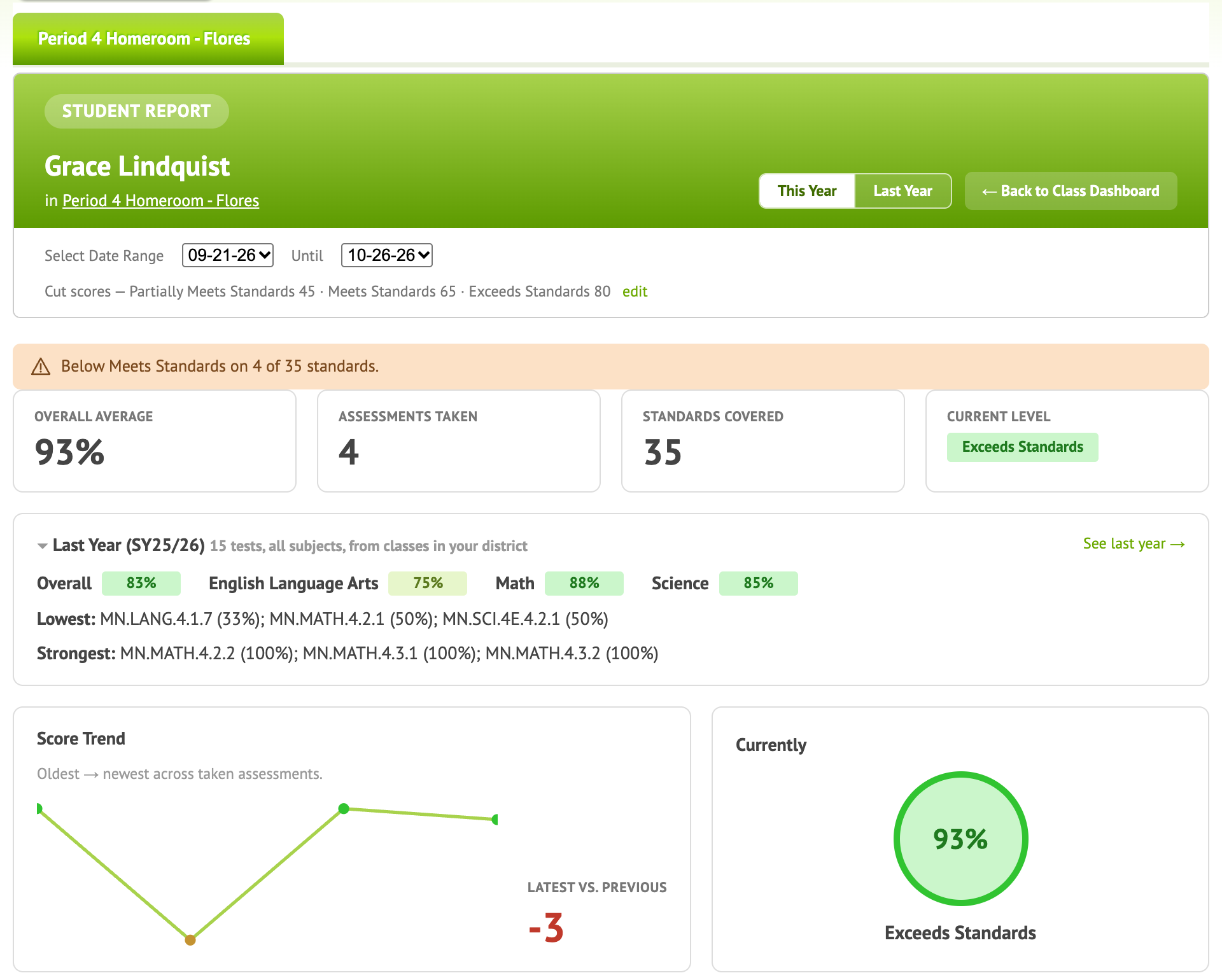
A student’s report brings together everything Naiku knows about one student: every test they’ve taken, and how they did on each standard last year. Use it for parent conferences, student conferences, intervention meetings and IEP planning.
Open it
Click a student’s name on the Class Dashboard to open their Student Report. If the student is in more than one of your classes, pick the class at the top.
What’s on it
- Test history: every test the student took, with their score and proficiency level, newest first. Click a test to see the student’s answers and reflection.
- Last year: how the student did on each standard last school year.
One test
To see one student’s answers on one test, click their name in Class Results. That page shows each question, their answer, their confidence, their reflection and your comments. From Actions ▼ you can print it, see all of this student’s results, or Let student retake the test.