
Math Equation Editor
On this page
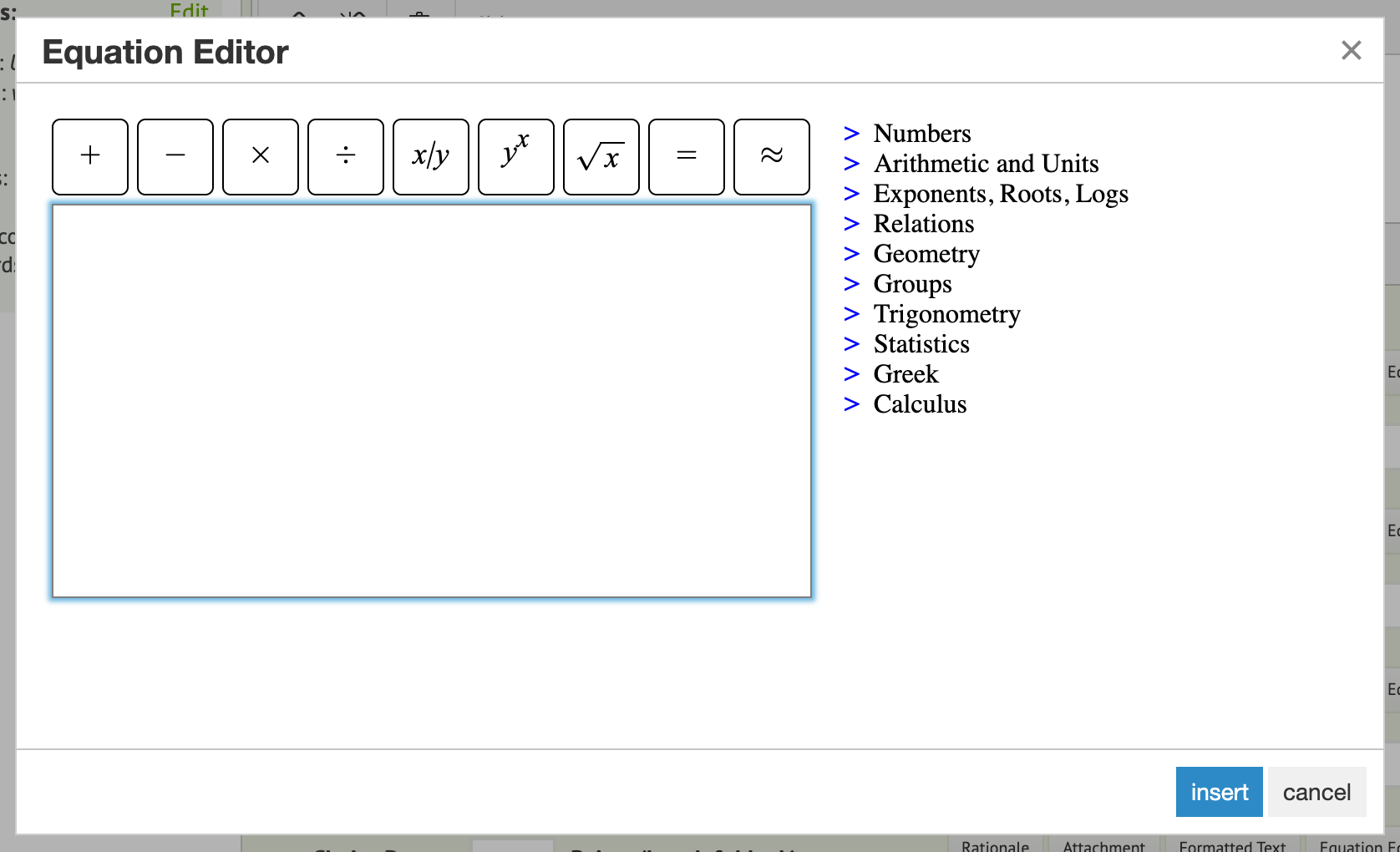
Naiku’s Equation Editor lets you put math in a question’s stem and in its answer choices. Students can use it too, to type math in their answers.
Add an equation to a question
- While editing an item, click Equation Editor above the stem (or next to a choice).
- Type the equation. Shortcuts:
/makes a fraction.^makes an exponent,_a subscript.- Click the buttons for roots, symbols and more.
- When it looks right, click Copy and paste into text to put it in the stem or choice.
Use LaTeX for anything more complex
Naiku displays LaTeX math. Type the LaTeX between $$ signs, right in the stem:
$$\sqrt{36}=x$$
Students see the formatted equation. A list of LaTeX math codes covers most needs. If you’d rather write by hand, a handwriting-to-LaTeX tool (such as MyScript’s math demo) gives you code to paste between the $$ signs.
Students answering with math
For a question where students write an equation, for example “Write the line in slope-intercept form”, use a Constructed Response item without a matcher. Students click Equation Editor in their answer box, type the equation and insert it.
Naiku doesn’t score typed equations automatically. You score them when you close and score the test. For a numeric answer that Naiku can score, use a short-answer item with a number, range or fraction matcher instead.