
Calculators
Naiku has built-in Desmos calculators. You choose, question by question, whether students get one and which kind:
- Basic calculator: Desmos four-function.
- Scientific calculator: Desmos scientific.
- Graphing calculator: Desmos graphing. Your school or district turns this one on; ask your Naiku admin or support@naiku.net if you don’t see it.
Learn how each calculator works at learn.desmos.com.
Turn on a calculator
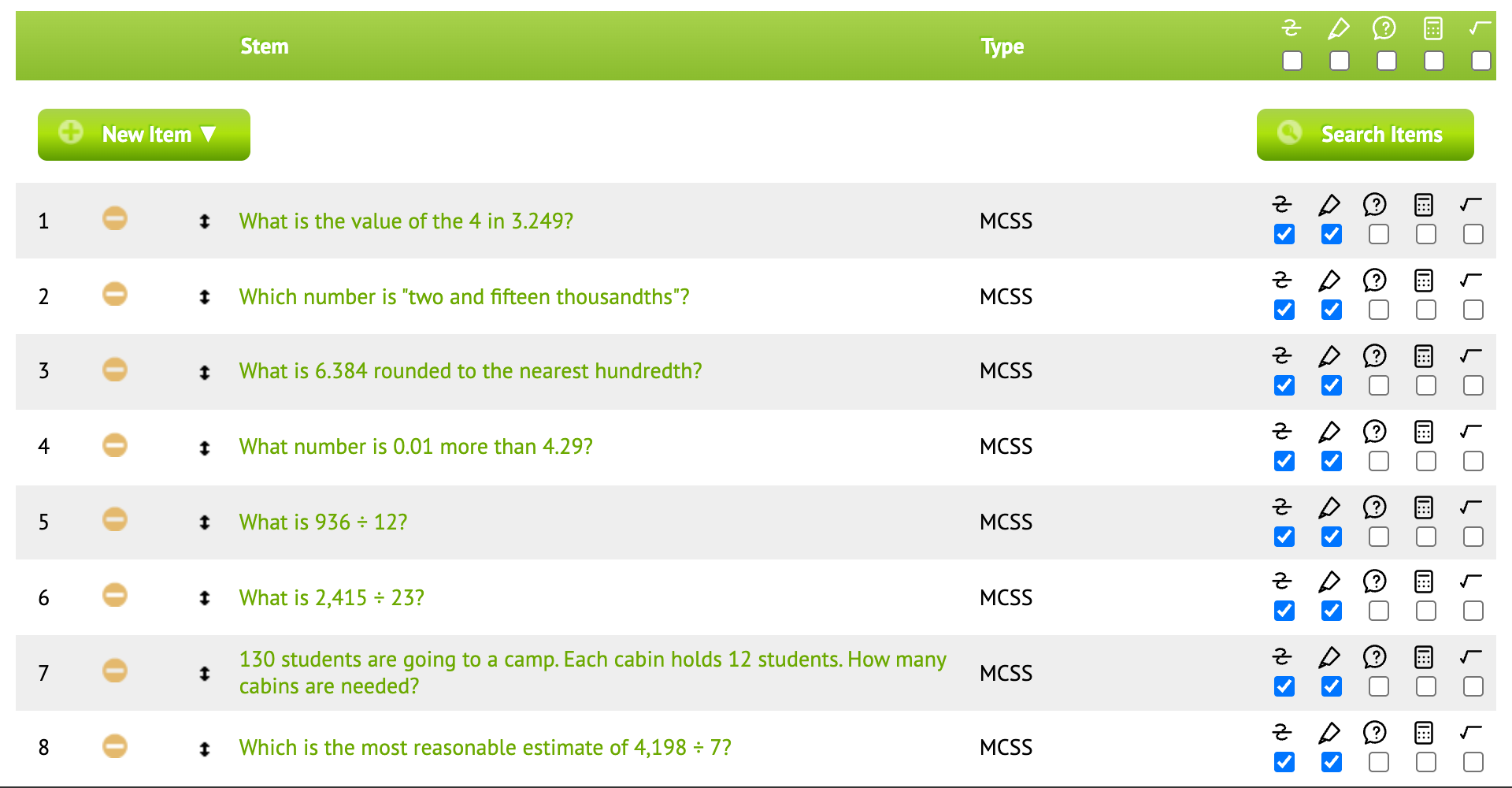
While editing the test, use the calculator icons in the item table:
- The icons across the top turn a calculator on for every item at once.
- The icons on an item’s row turn it on for that item only.
Save the test.
What students see
On a question with a calculator, students click Calculator in the question’s tools to open it. Each question keeps its own calculator work, so if a student moves to another question and comes back, their work is still there.