
Teacher Sign-In and Password
On this page
Sign in
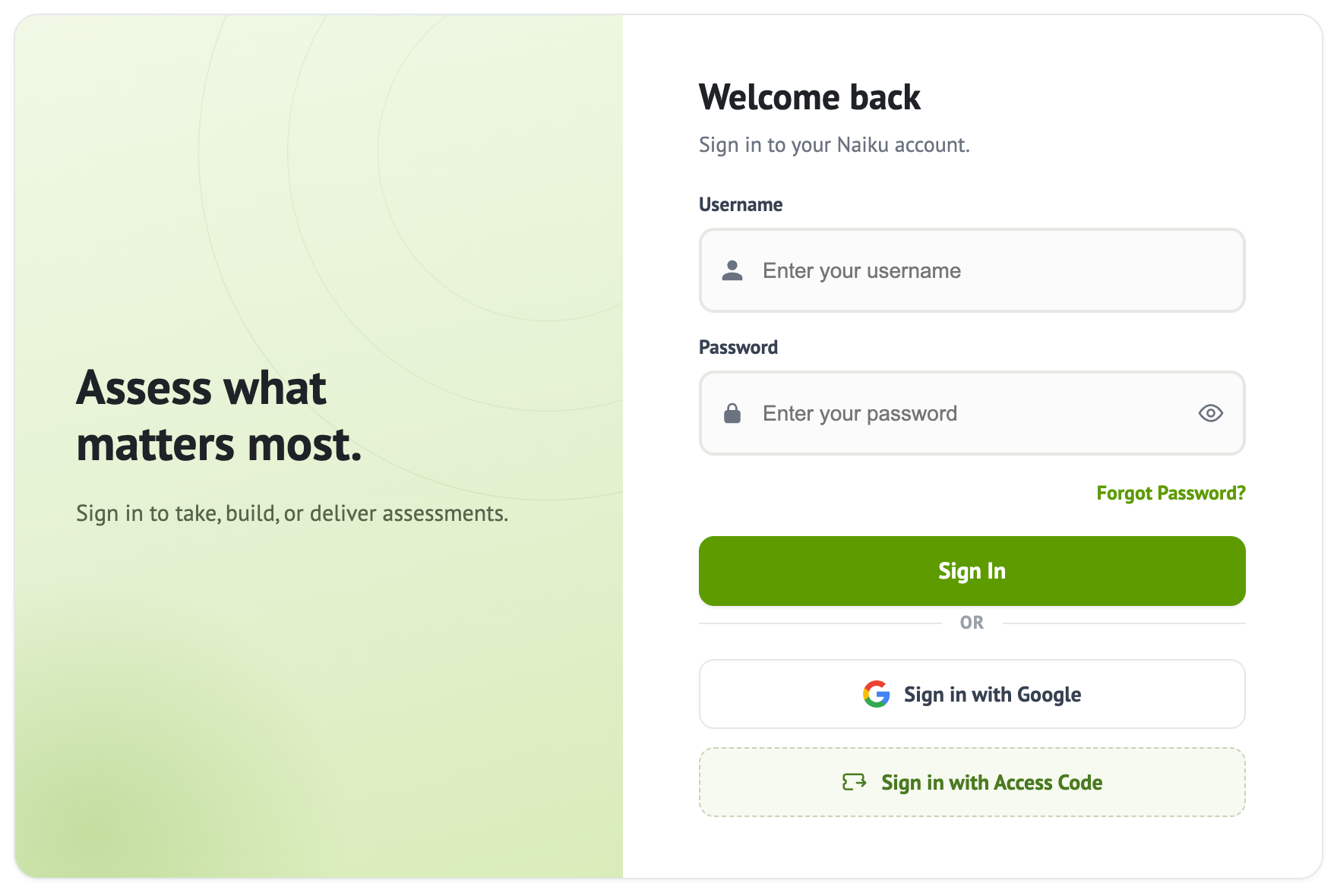
Go to a.naiku.net and sign in the way your school set up:
- Username and password: enter them and click Sign In.
- Google: click Sign in with Google and choose your school account. See Signing In with Google.
- Infinite Campus, PowerSchool, Clever or ClassLink: open Naiku from there. You won’t need a Naiku password. For Campus, see Signing In from Infinite Campus.
Not sure which? Ask your Naiku admin or email support@naiku.net.
Forgot your password?
On the sign-in page, click Forgot Password? and enter your email. We’ll send a link to choose a new password. No email after a few minutes? Check your spam folder.
If you sign in with Google or through your school’s system, reset your password there instead.
Change your password
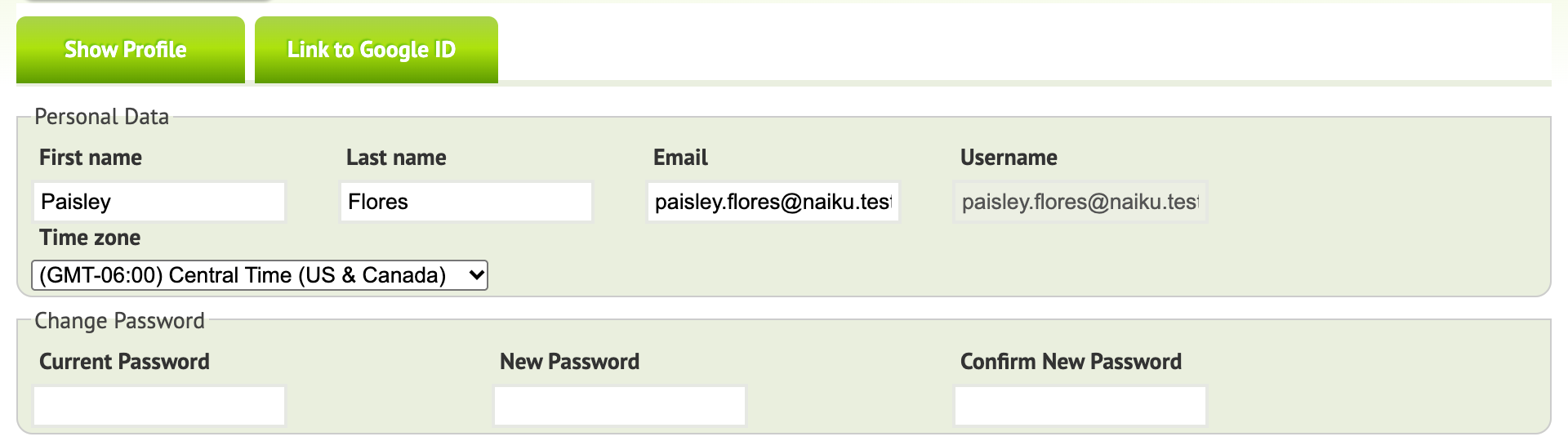
- Click your name at the top of Naiku to open your profile.
- Enter your Current Password, then your New Password twice (Confirm New Password).
- Save your profile.
Students’ passwords: see Changing a Student’s Password.