
Changing a Student's Password
A student can’t sign in because they forgot their Naiku password? You can set a new one yourself.
-
Click Classes and open the class.
-
Click View Class, on the right under the class name.

-
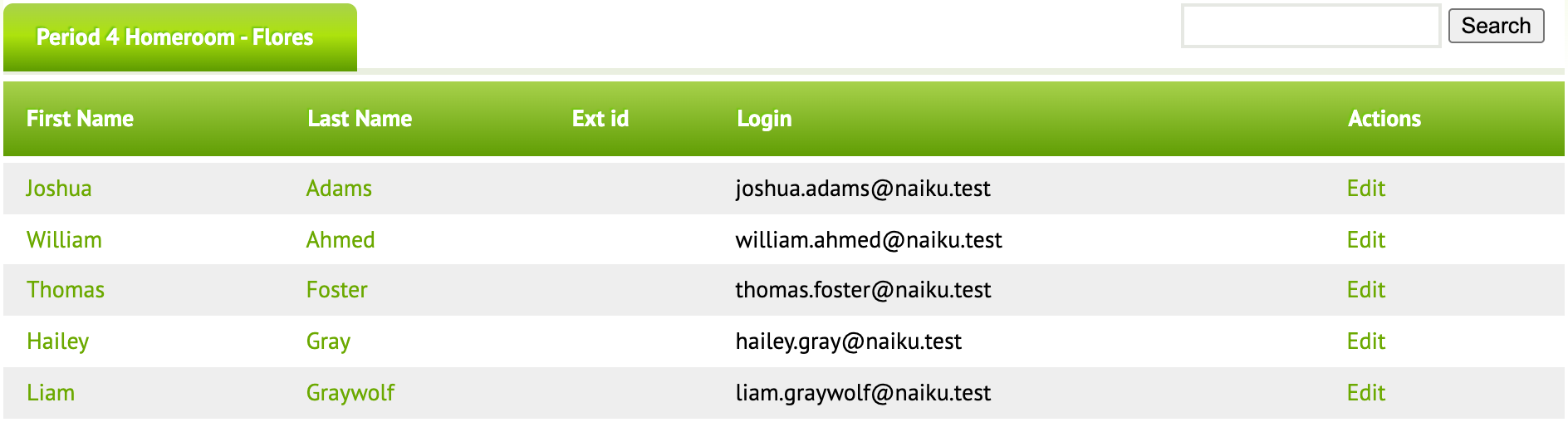
Find the student and click Edit at the end of their row. The Login column shows the username they sign in with.
-
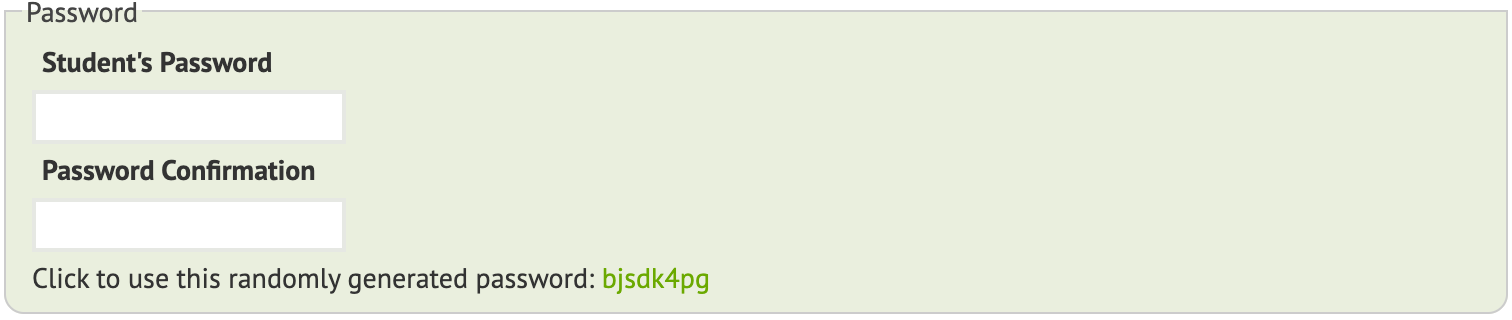
Under Password, type the new password in Student’s Password and again in Password Confirmation. Or click the suggested random password to use it.
-
Scroll to the bottom and save.
Give the student their username and new password. If they don’t have a password yet and only need to take a test, they can also sign in with an access code.